
The old way
- Paying designers or editors for every product photo tweak
- Waiting days for revisions on basic background removals
- Running ads with blurry, cluttered, or off-brand product images



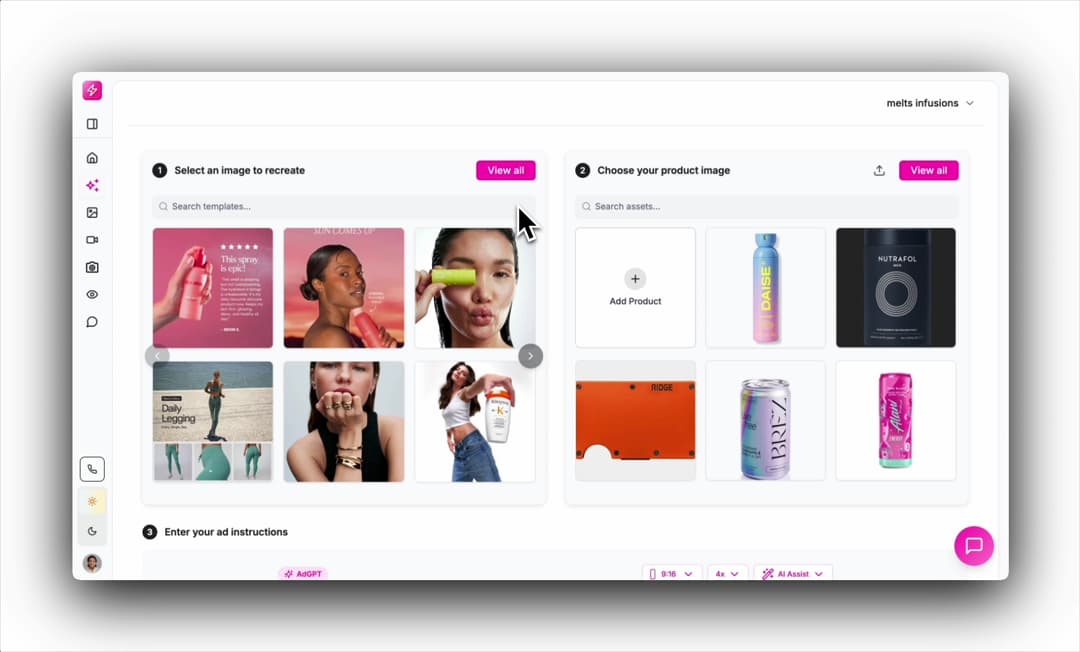
Paste your store or product URL, and Mintly does the rest - automatically extracting your product photos, descriptions, benefits, and ingredients.
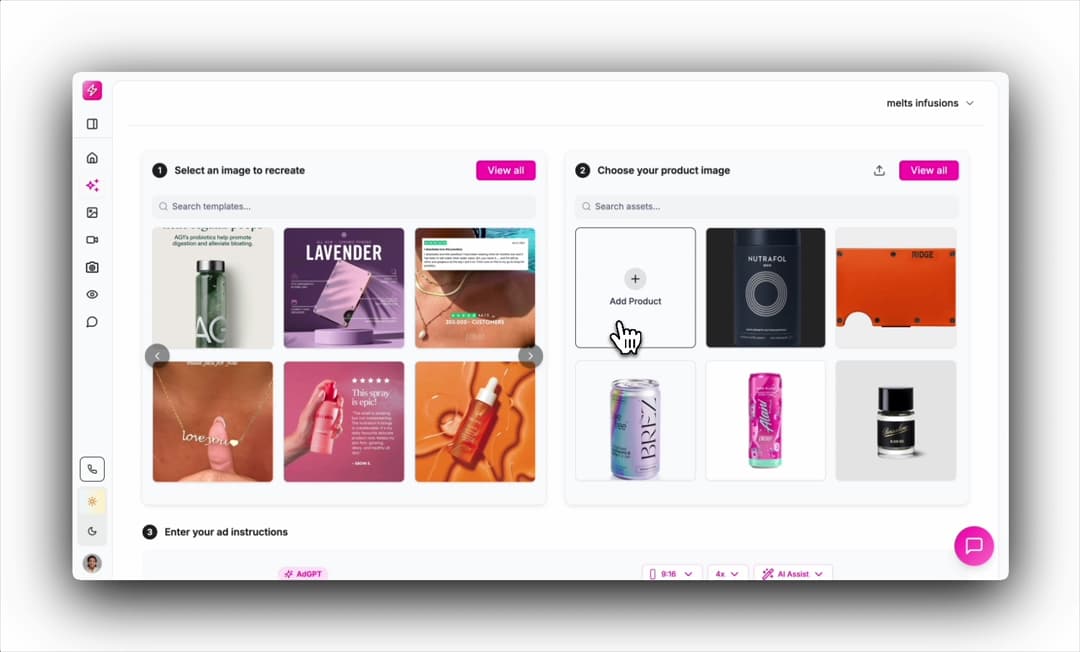
Clone real ads from brands like Skims or Gymshark, or use Quick Actions to generate flat lays, lifestyle scenes, or ghost mannequins — all styled to your brand automatically.
Turn your images into high-performing, lifelike AI videos using UGC presets like Unboxing, Bedroom, Car, or Influencer Review.
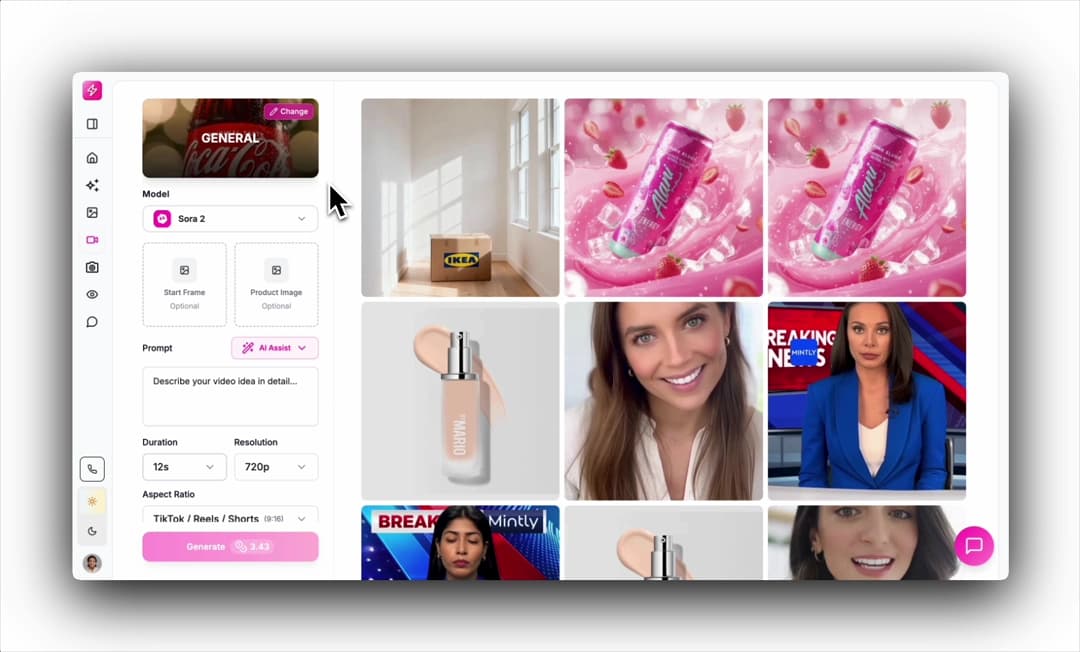
1,500+ brands trust Mintly for their product content
1,500+ brands trust Mintly for their product content
Typical speed
Under 60 seconds per image
Output
Ad-ready edited product photos
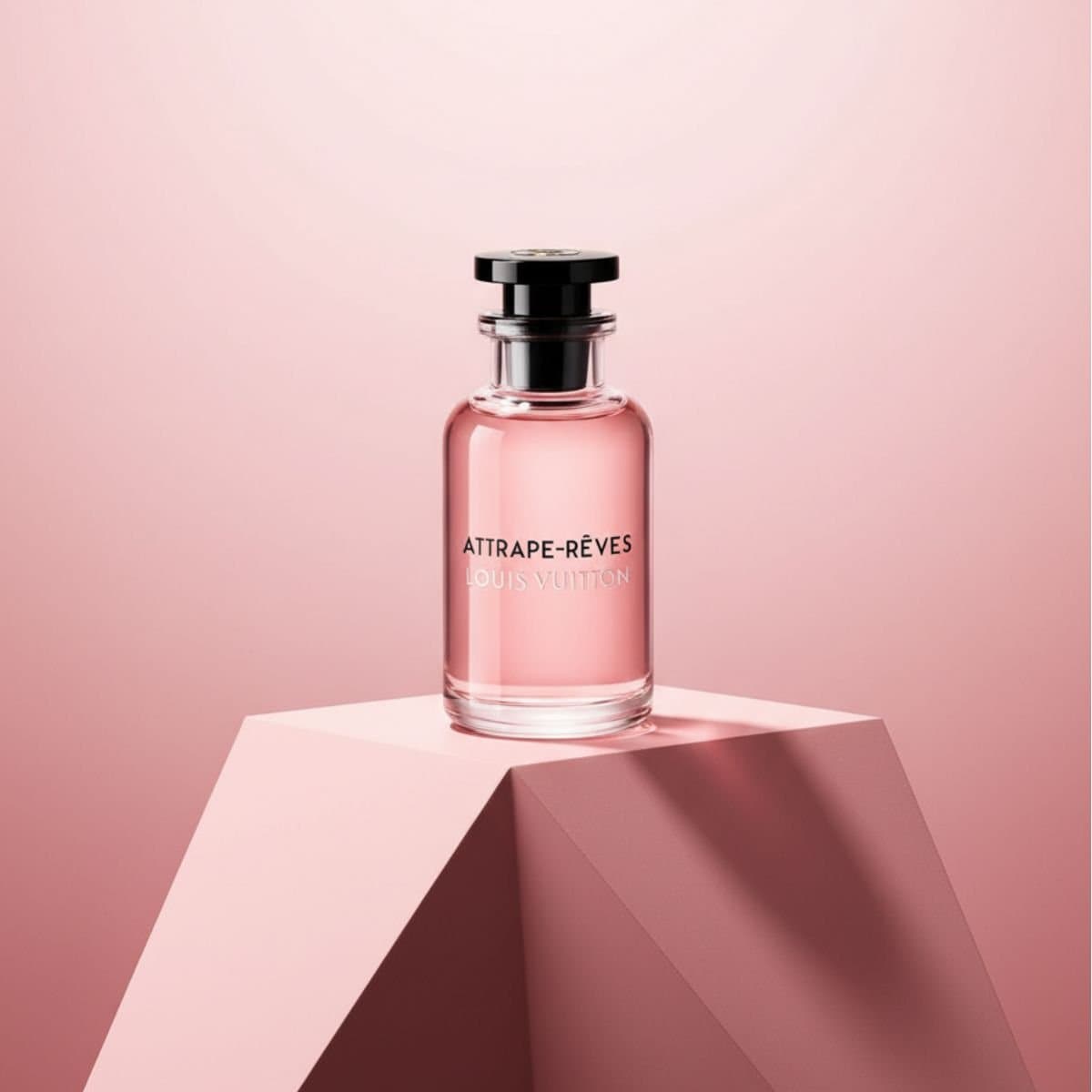
Create ecommerce product photography and lifestyle images from a single product photo.
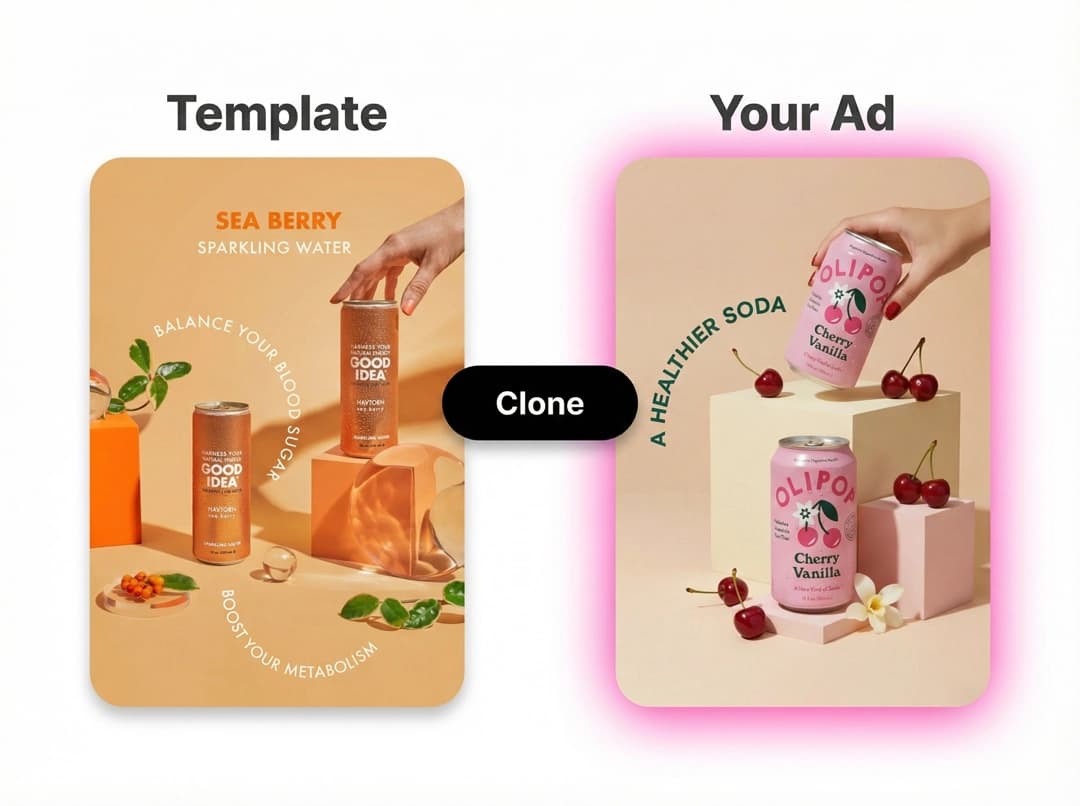
Clone winning ads with AI — rebuilt with your product and brand instantly.

Create product videos, UGC ads, and b-roll in minutes.
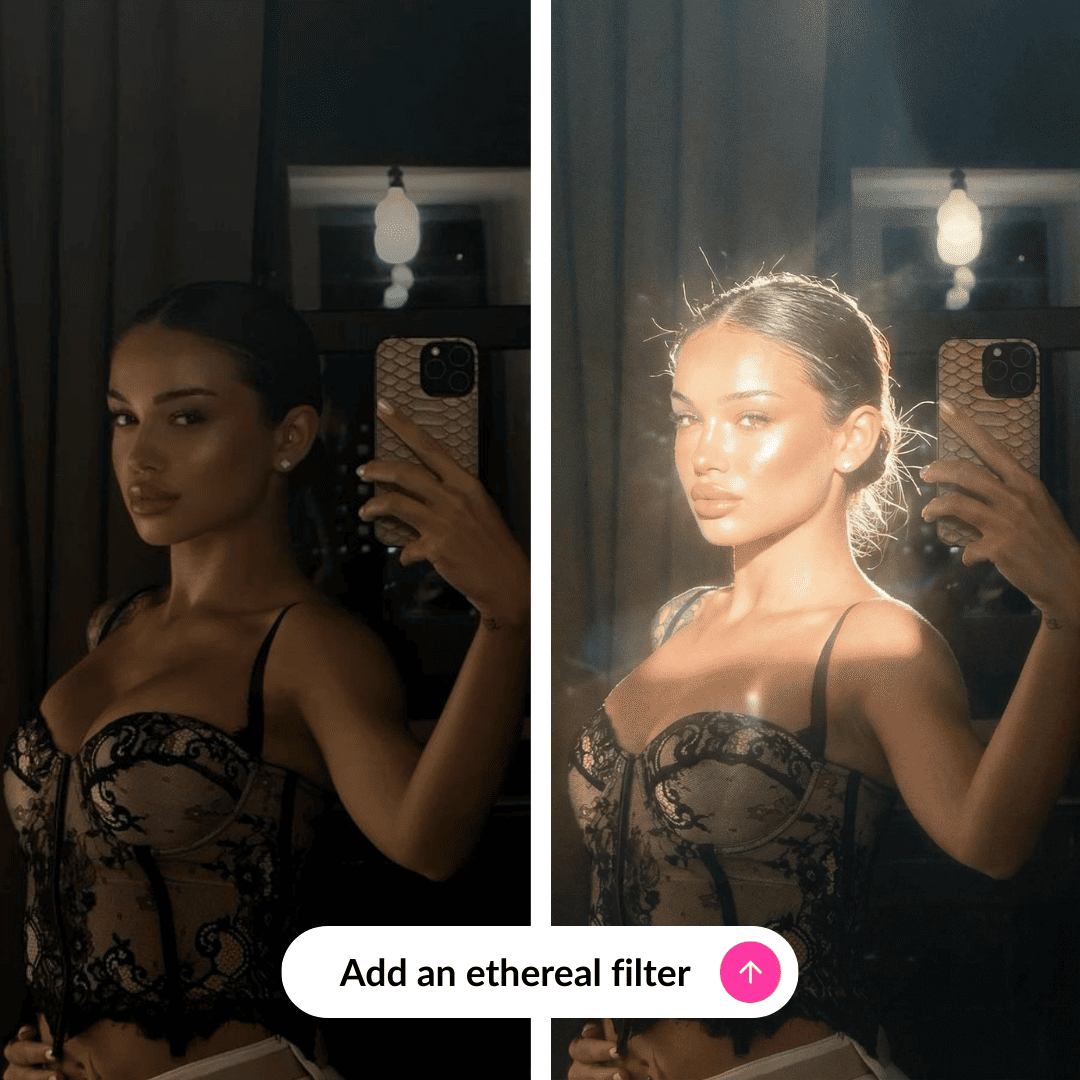
Edit product photos, remove distractions, and prep assets for better ads.
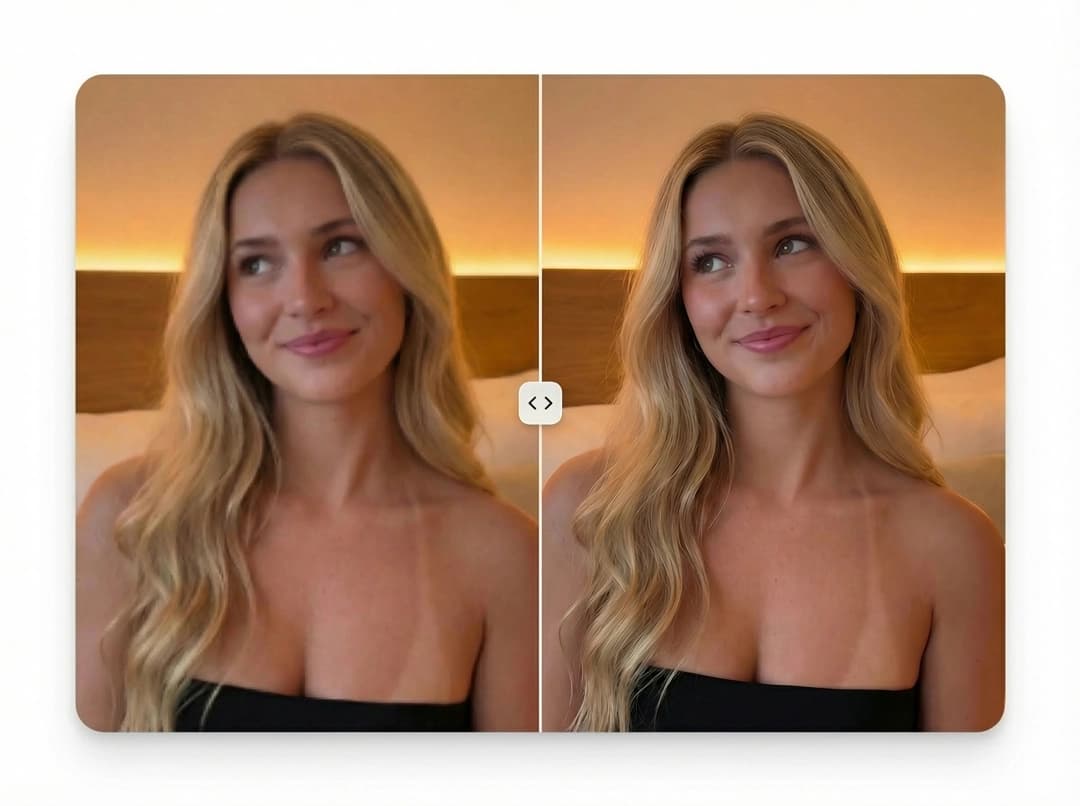
Enhance and upscale product images to ultra-high resolution without losing sharpness or detail.
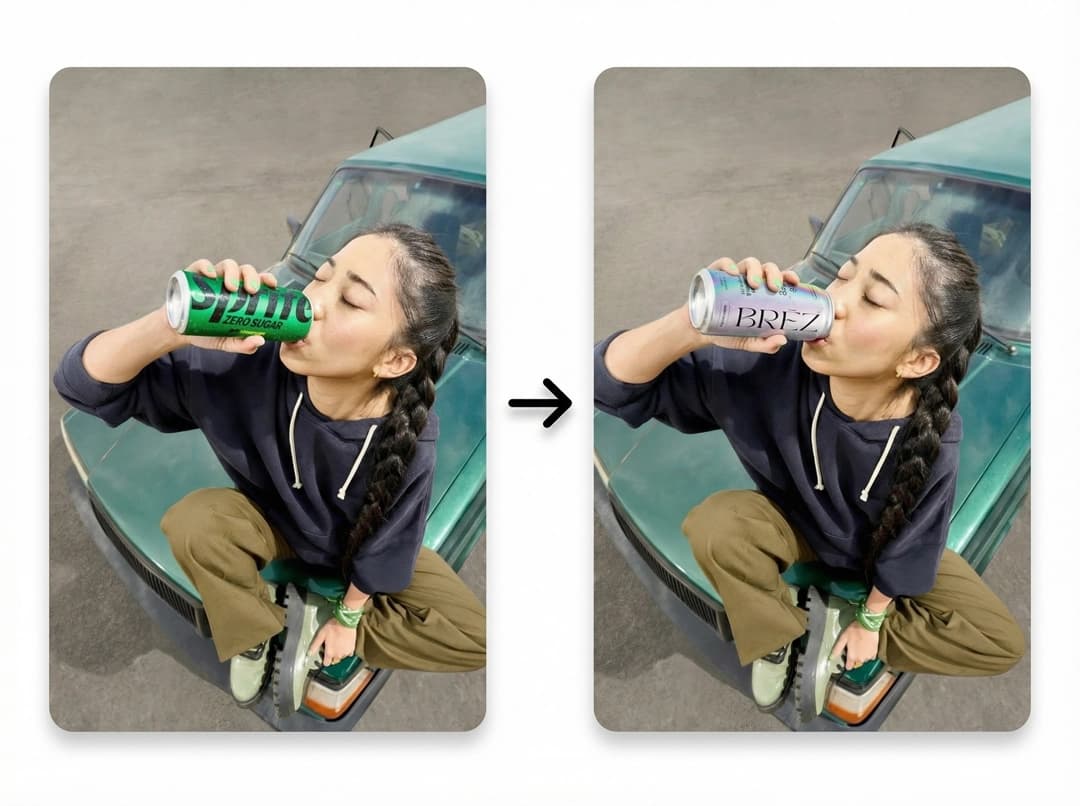
Clone any image with AI — recreate it or swap in your product instantly.
Everything you need to know before you buy. Can't find the answer to your question?
Any photo works - phone shots, supplier images, white-background studio shots. The better the original, the better the output, but Mintly handles the heavy lifting regardless.
Yes. Upload your product photo, select background removal, and Mintly isolates your product cleanly - no manual selection or erasing needed.
Yes. After removing the background, you can place your product into lifestyle scenes, clean studio looks, or custom backgrounds - all generated by AI.
Photoshop takes skill and hours. Canva is for graphics. Mintly is built specifically for product photo editing - it understands what a product photo needs to look like for ads.
Yes. The outputs work for both - clean product shots for your PDPs and lifestyle-style images ready to run as Meta or TikTok ads.
Upload a product photo and edit it in under a minute. No designers. No Photoshop. No waiting.
Free to start. No credit card required.